Product
I made an audio player for kids, here is everything inside it
A printable enclosure, a circuit board, a firmware and a mobile app. Since 25 September everything is in beta, and every file is available.
Read moreAn audio player for children. Your child inserts a card on top, the story starts, and they listen on their own to what you picked for them.
New mobile app beta
A new version of the app to test before its release.
Crowdfunding campaignDon't miss it
To produce a commercial version of the MusicBox. Sign up so you do not miss it.
If you already own a kids' audio player, you're probably used to only being able to use that brand's cards or figurines. The trouble is, it limits what you can do, and it ends up costing a lot!
The MusicBox reads cards you insert, figurines you place against its front, or off-the-shelf NFC tags, like a sticker you put inside a book!
No screen, no menu, no phone in your child's hands.
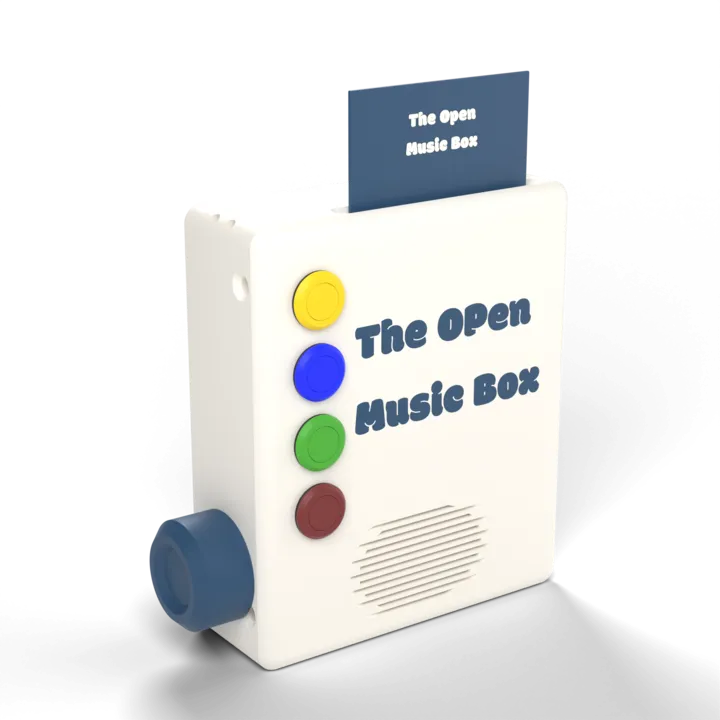
The MusicBox isn't made for one kind of content. You choose what it plays:
Each of these starts the same way: a card, a figurine or a tagged object.
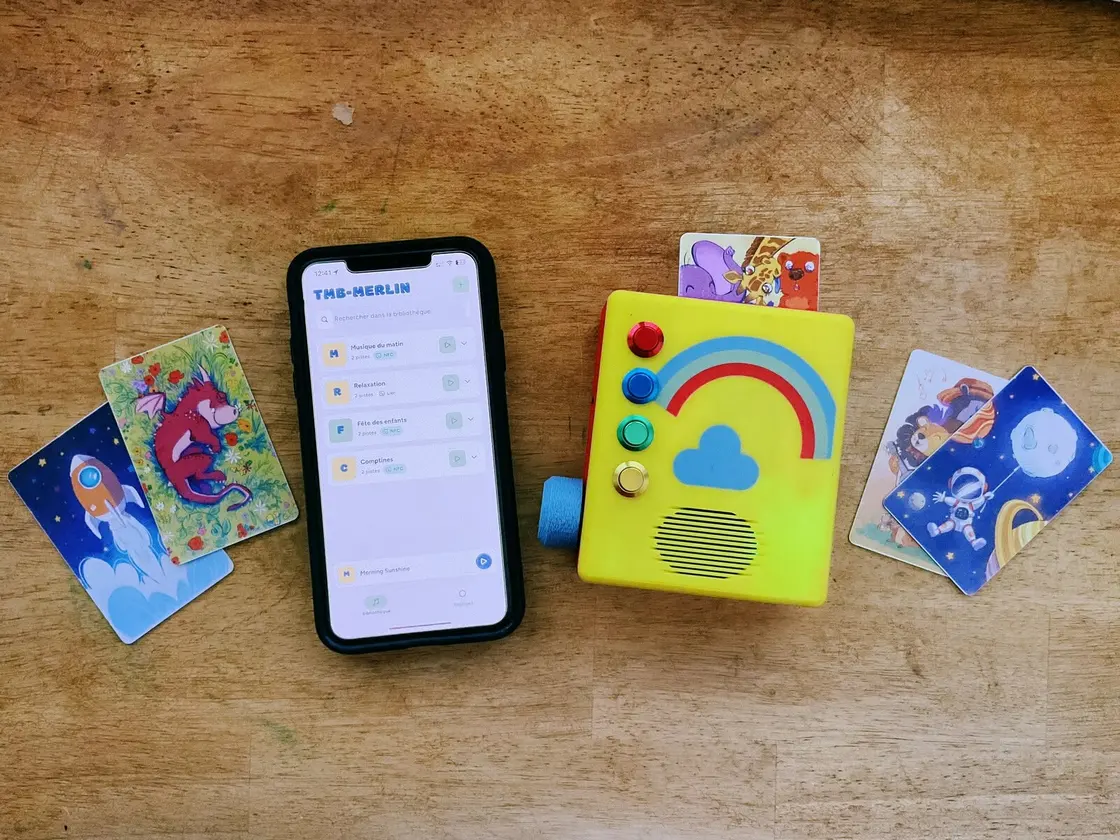
Once the music is in, the MusicBox runs without a phone: that is what lets your child use it alone.
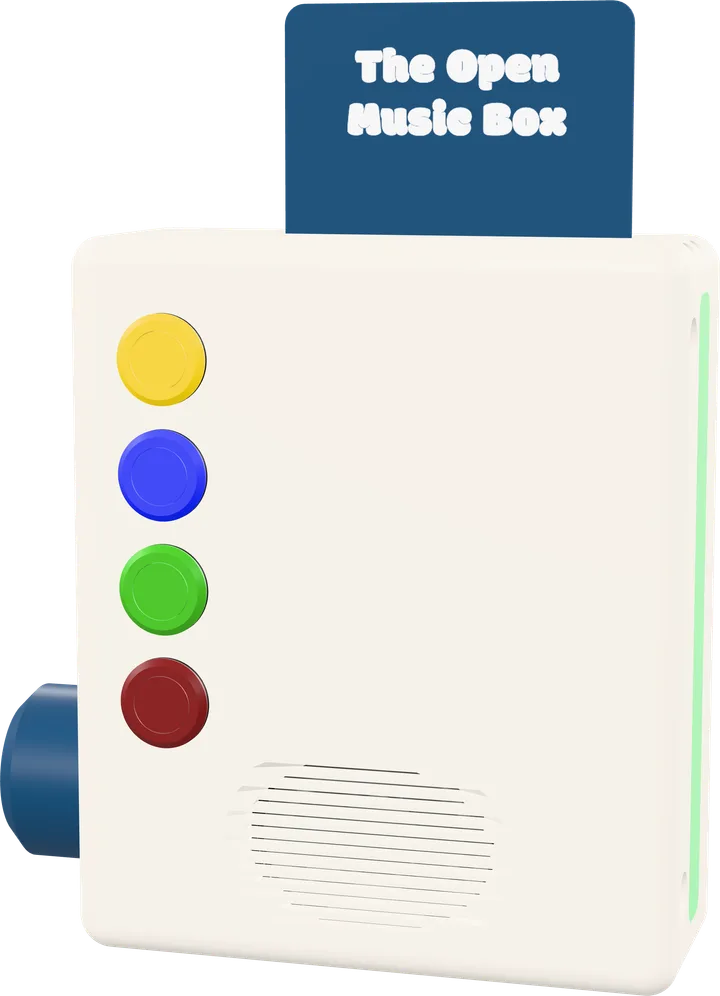
The dial sets the volume, and pressing it pauses. The two top buttons go back, the two bottom ones go forward: one playlist or one track at a time.
No long press, no double press: each button does one thing, on a single press. A switch turns it on and off.
All your content is stored in the MusicBox, on its micro SD card. Your files get there from your phone over your WiFi, without going through any server. To play, it needs no internet, no account and no cloud.
Depending on how you use it, an internet connection can come in handy: today to update the MusicBox, soon for podcasts. It's never required.
And since everything is on board, nothing breaks down in the car or on holiday: where there's no network, it plays anyway.
Your MP3s, DRM free: they are yours. And if the project ever stops, it keeps playing.
You prepare everything from the TMB app on your phone: you create a playlist, add your own content to it (your music, your audiobooks, your voice) and link it to a card.
Your child only ever needs the card.
The MusicBox on this page is the Prototype V4, made from components that are easy to find in shops: you can build it yourself.
The assembly guide, the parts list, the software you install straight from your browser, and a community that helps out.
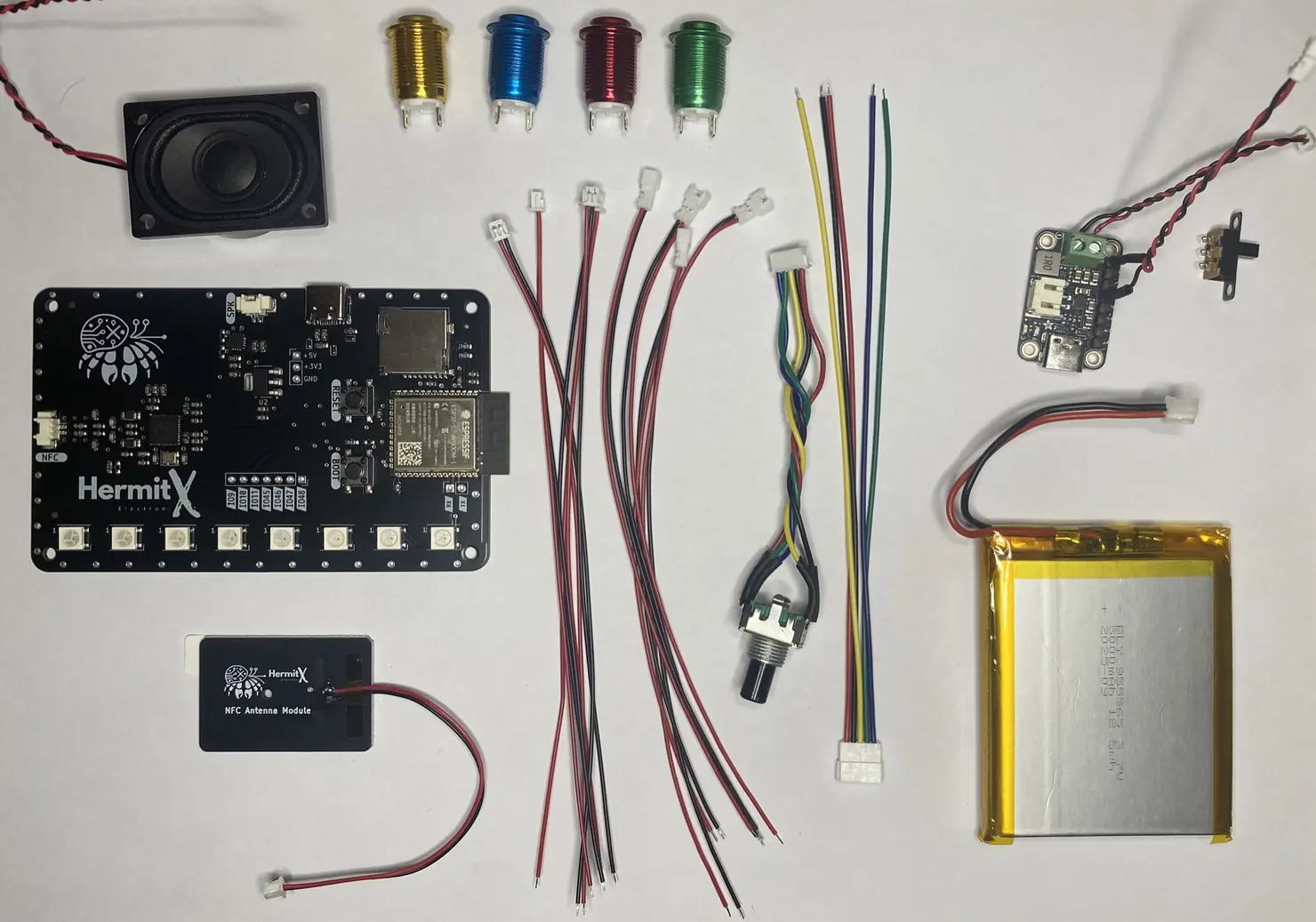
The parts: a HermitX board, an NFC antenna, a speaker, four buttons, a rotary knob, a LiPo battery with its charging module, and a switch. The case is 3D printed.
See the prototype and its parts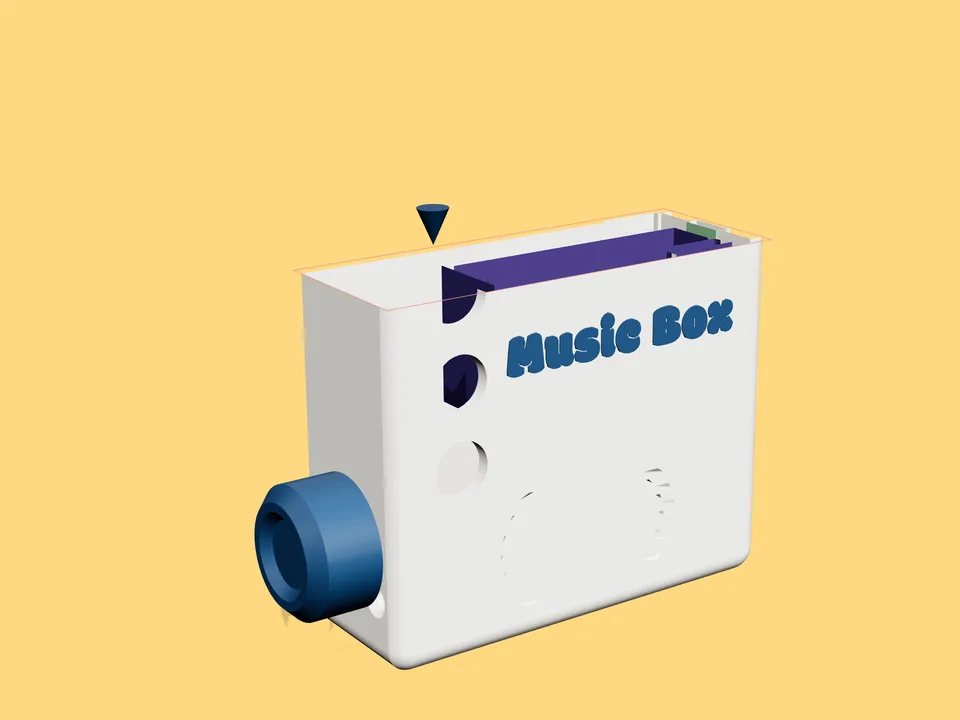
From age 3. That is when a child wants to choose what they listen to, and when inserting a card is a gesture they can manage without being able to read.
The core age range is 3 to 8. Past that the MusicBox still works, the child simply wants other things.
No, it is entirely free and you download it from this site.
No subscription is required, no account either, and no online service is needed to use it. Your library lives on your MusicBox: it depends on no service that could shut down one day and take it away.
The software reaches you as a compiled binary, all rights reserved. What you may do with it is set out in the terms of use.
No, no account is required. No sign-up, no email address to hand over: you plug the MusicBox in, connect it to your Wi-Fi, and it is yours.
Today, you build it. We document the hardware, you gather the parts and assemble it. Three build paths exist, from a breadboard to a dedicated board, depending on the time and tools you want to put in.
A commercial, ready-to-use version is in development.
In the meantime we do not sell any parts ourselves: the full list is on each version's page, with links to order them.
No. An internet connection is not required, and today it is not even needed: music leaves your phone and reaches the MusicBox over your own Wi-Fi, locally, without passing through any server.
Once the music is transferred you can even switch the house Wi-Fi off, and the MusicBox keeps playing.
One detail when you connect it: the MusicBox joins 2.4 GHz Wi-Fi. If your router broadcasts a single network across 2.4 and 5 GHz, it works with no changes.
No usage data. We do not know what your child listens to, when, or for how long: none of it leaves your home, because playback is entirely local.
The app can send a technical report when it hits an error, so we can fix it. That report describes the error and the device, not your library or your files.
You do. We offer no catalogue for now: you use your own files, the ones you bought, recorded or created.
It is also what guarantees no licence will pull a story out of your child's library overnight.
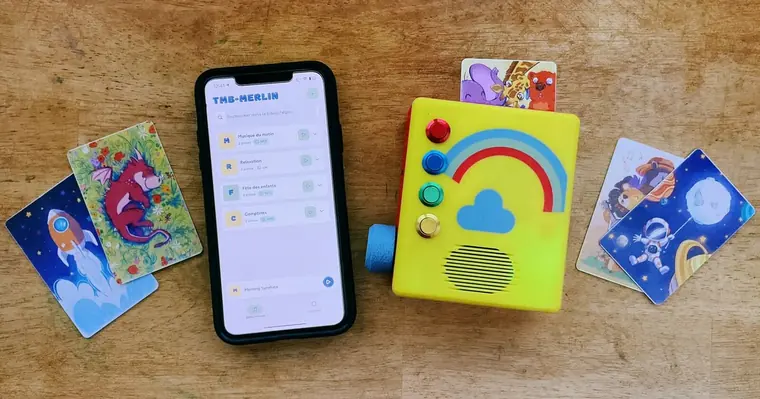
A printable enclosure, a circuit board, a firmware and a mobile app. Since 25 September everything is in beta, and every file is available.
Read more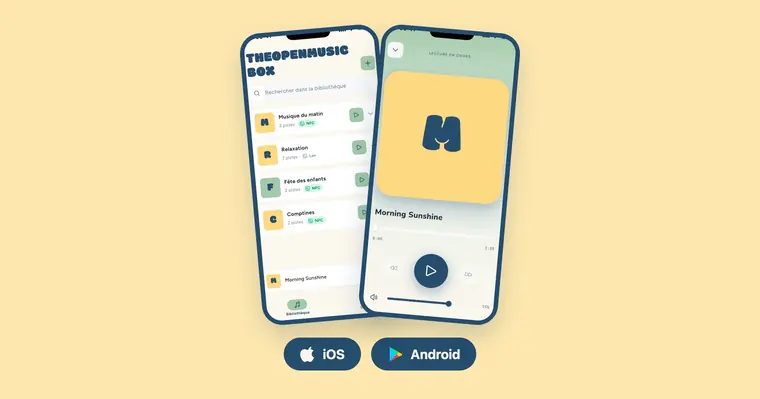
The iOS app is in open beta for everyone on TestFlight, and I am looking for testers for the Android version.
Read more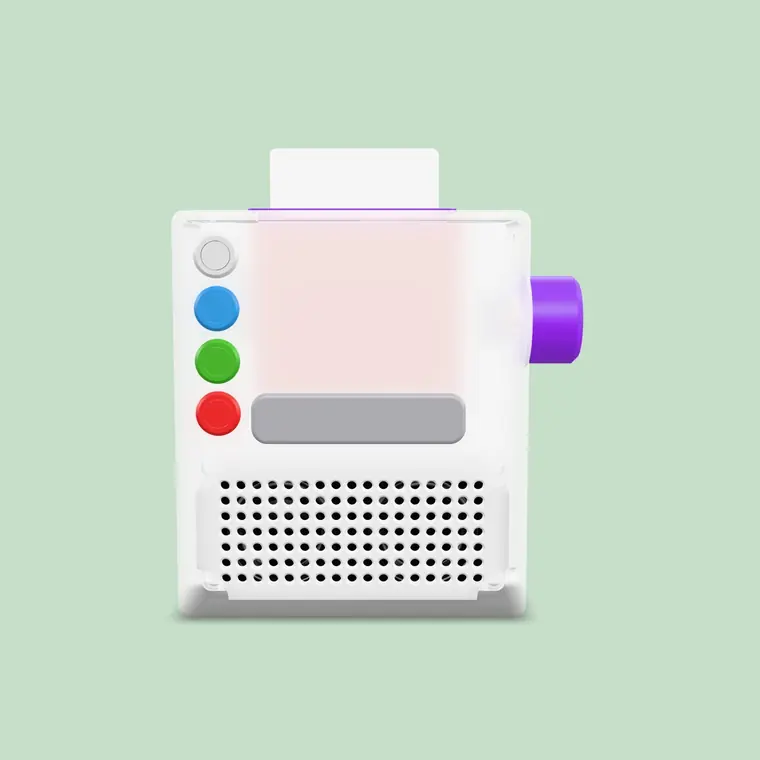
Leaving the Raspberry Pi for an ESP32, rewriting the whole codebase in C++, redesigning the case to make it simpler. The prototype changes its foundations.
Read more